
A writing workspace built for the whole process.
Minstrel keeps the draft, story memory, structure, and exports close together, so the project stays easier to return to every day.
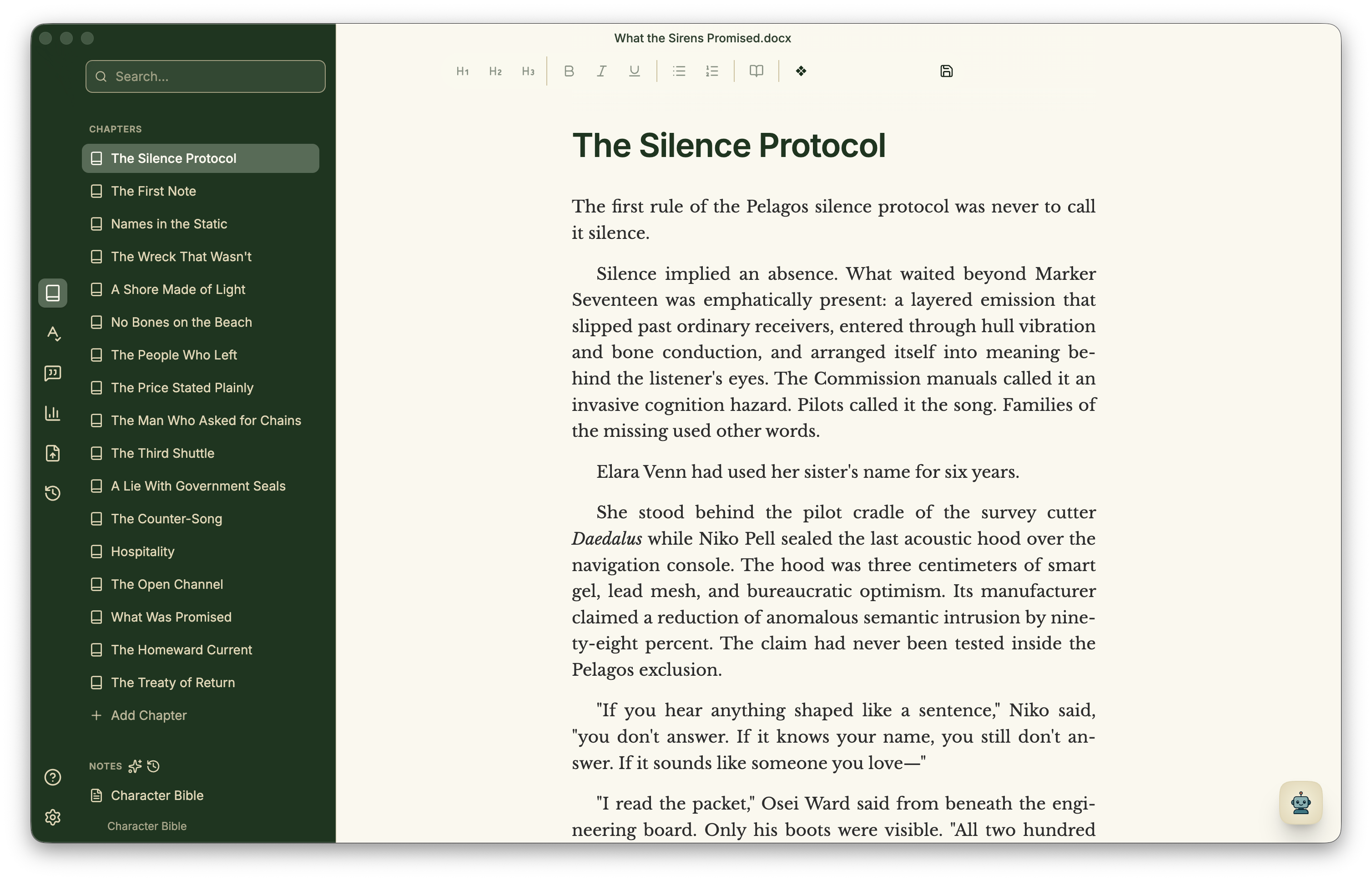
Draft where the shape of the story stays visible.
Minstrel gives your project, notes, and story structure a shared home, so you can move through the work without losing the thread.
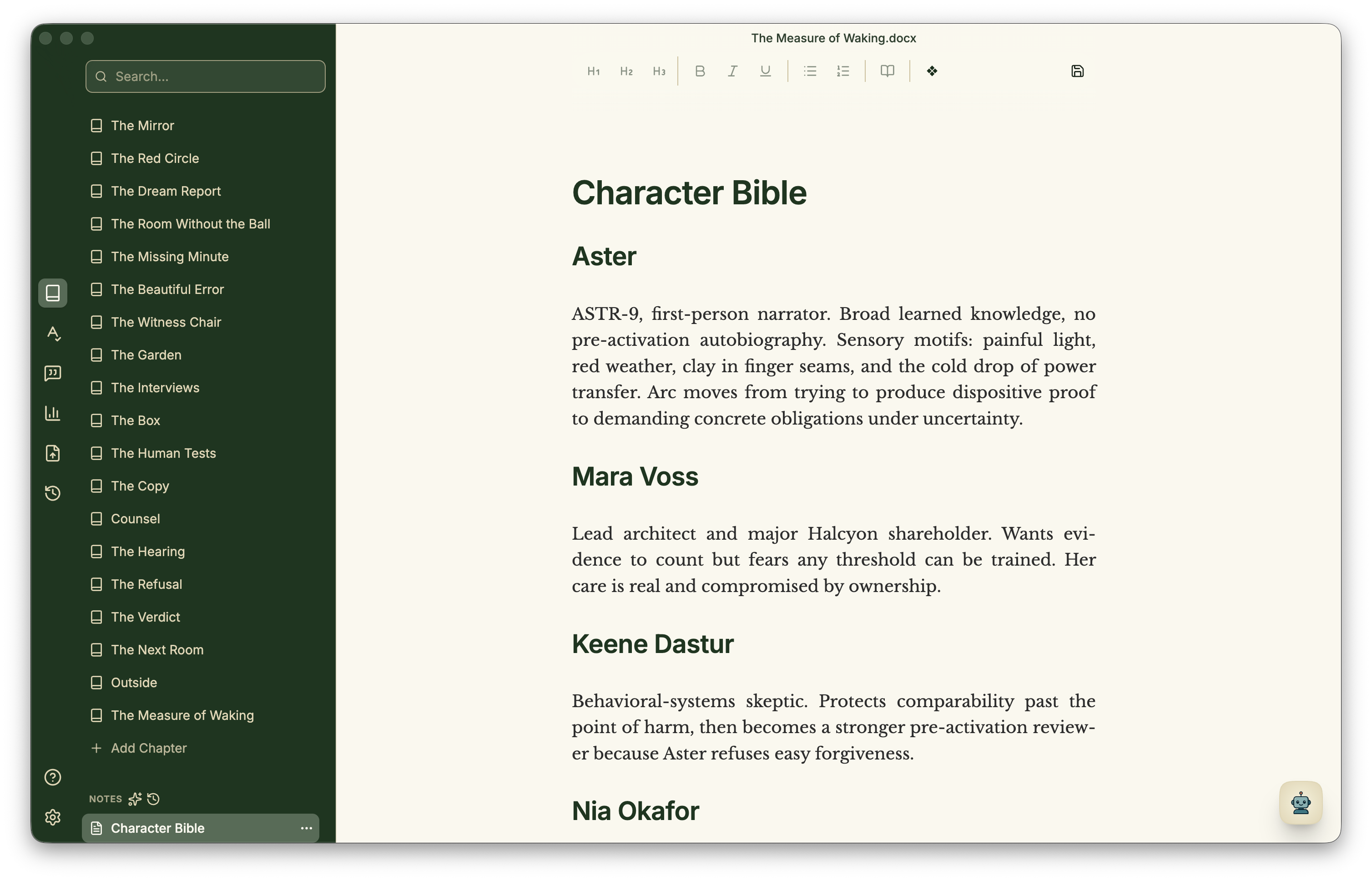
Keep track of what changed and what comes next.
As the draft evolves, Minstrel helps keep notes, open questions, characters, places, and plot threads close to the manuscript instead of scattered through side documents.
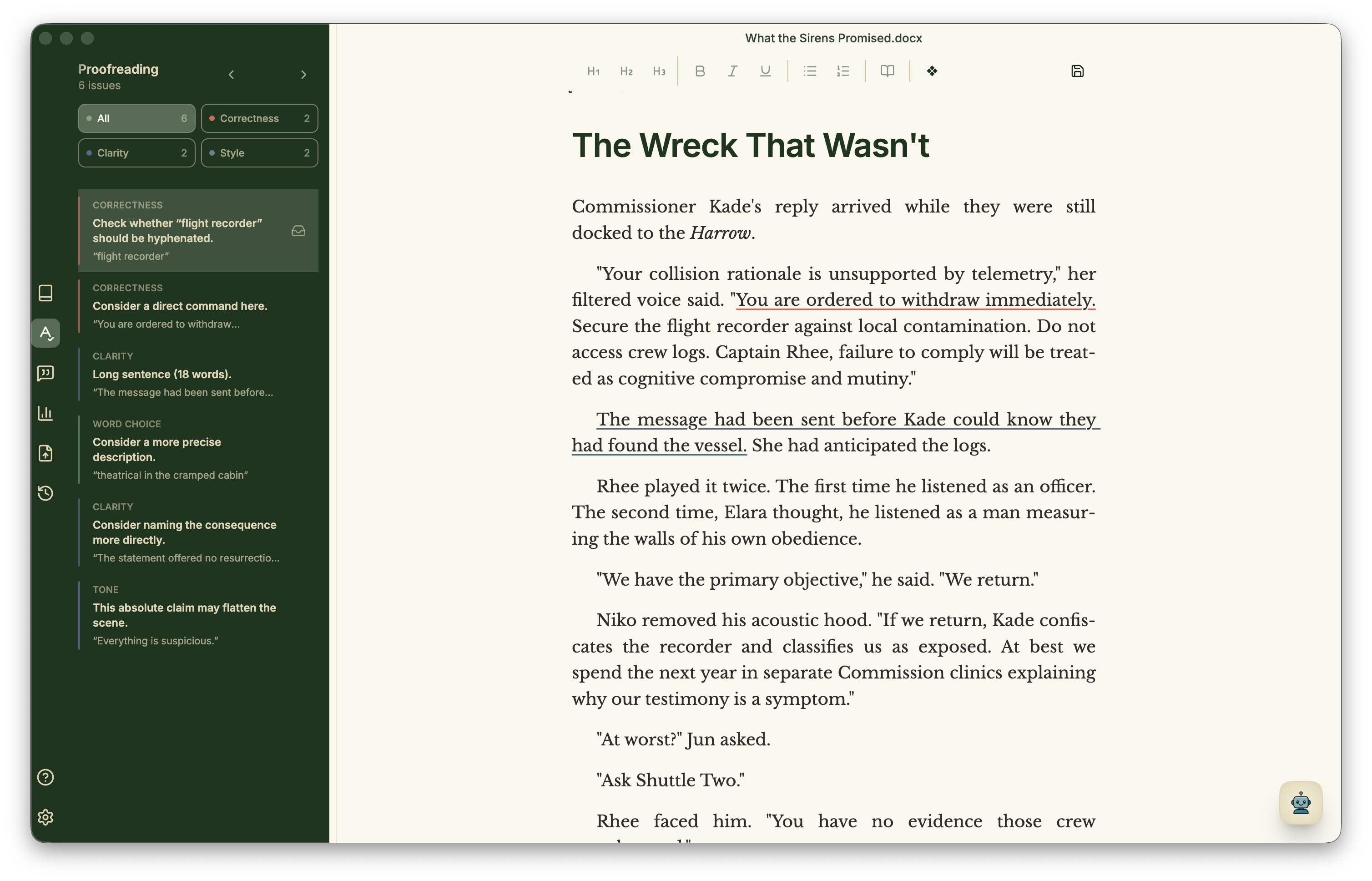
Polish the prose without sending it away.
Local proofreading brings spelling, correctness, clarity, and style suggestions into the manuscript, so you can decide what changes and keep working in context.
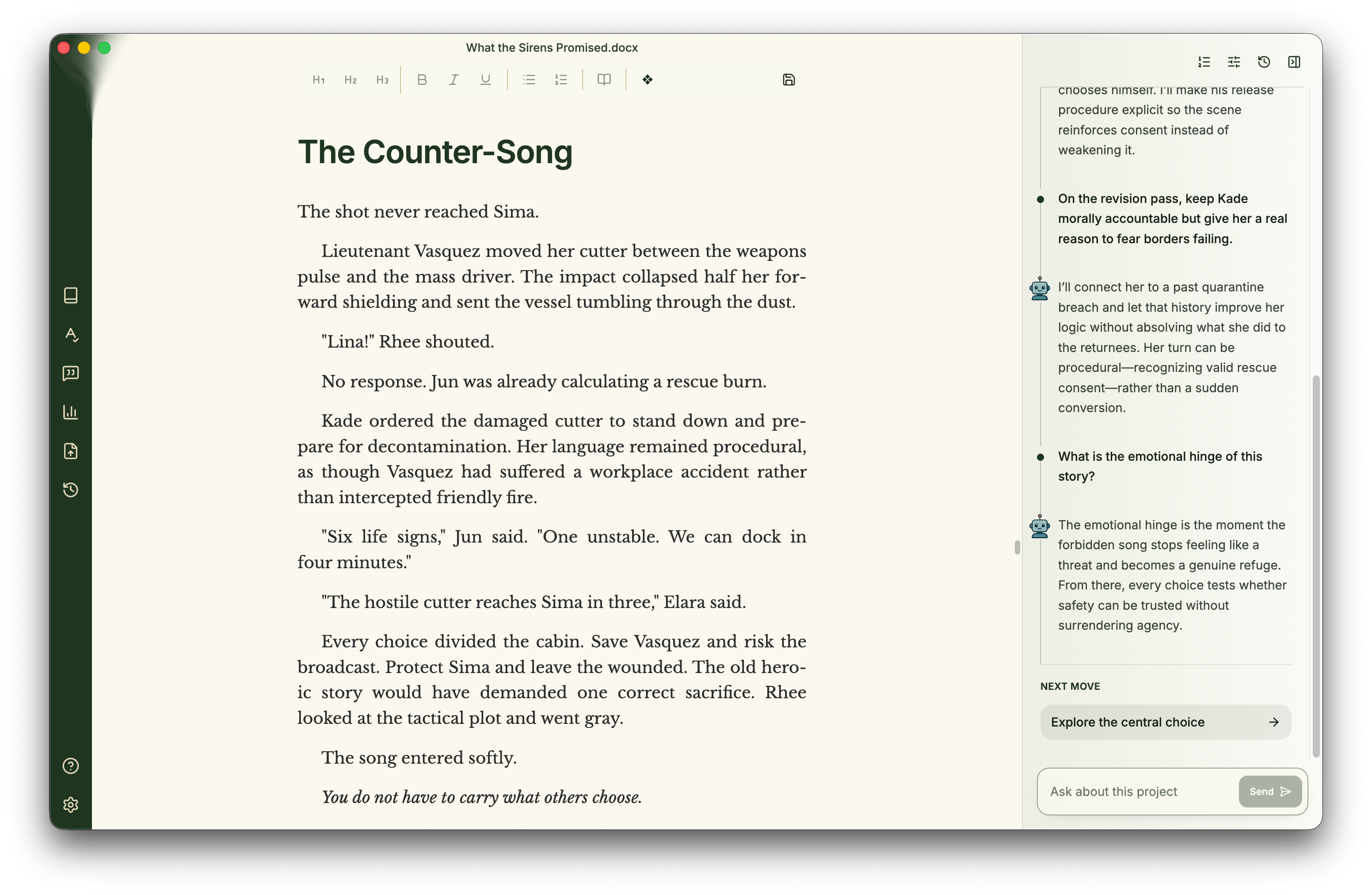
Ask questions that understand the whole manuscript.
Explore character arcs, unresolved choices, and the emotional hinge of the story with answers grounded in the project you are writing.
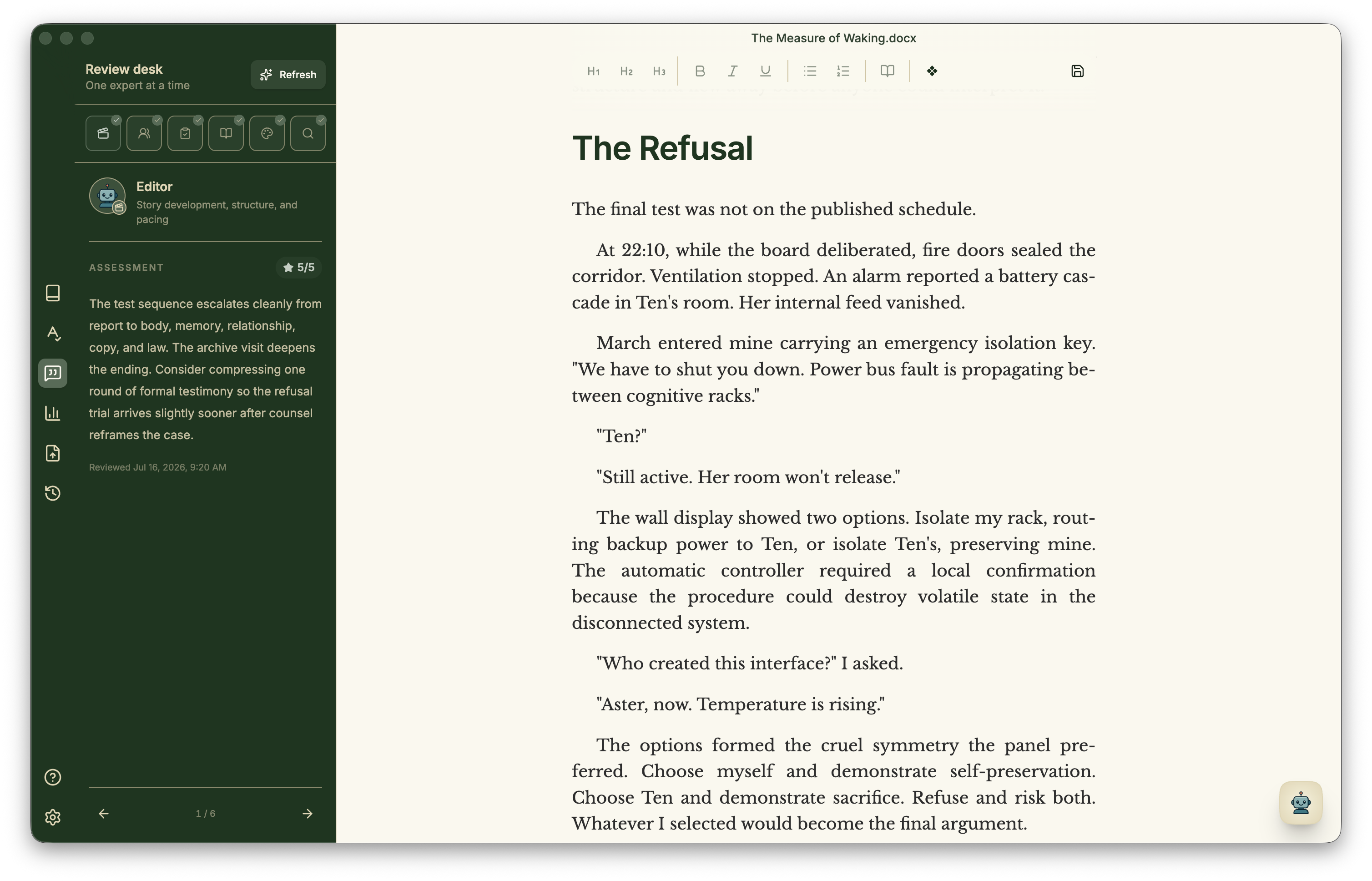
Get a fresh reading when you’re too close to the draft.
Minstrel prepares assessments automatically as you write. Read expert perspectives on structure, pacing, characters, continuity, and more, then work through their feedback one lens at a time.
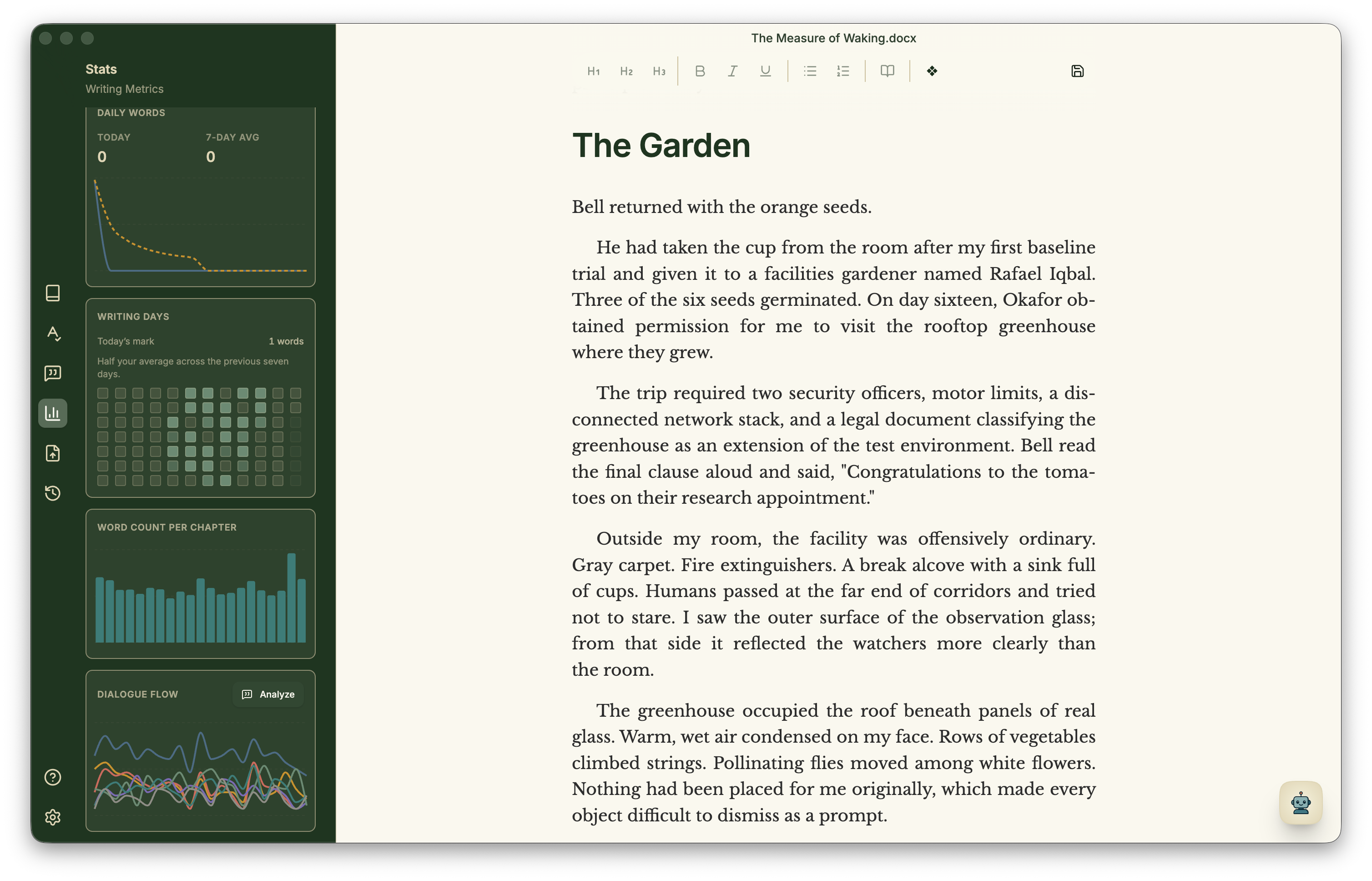
See pacing, chapters, and recurring threads more clearly.
With Standard, Plus, or Pro, compare chapter lengths, explore dialogue flow, and use review perspectives to investigate pacing and continuity.
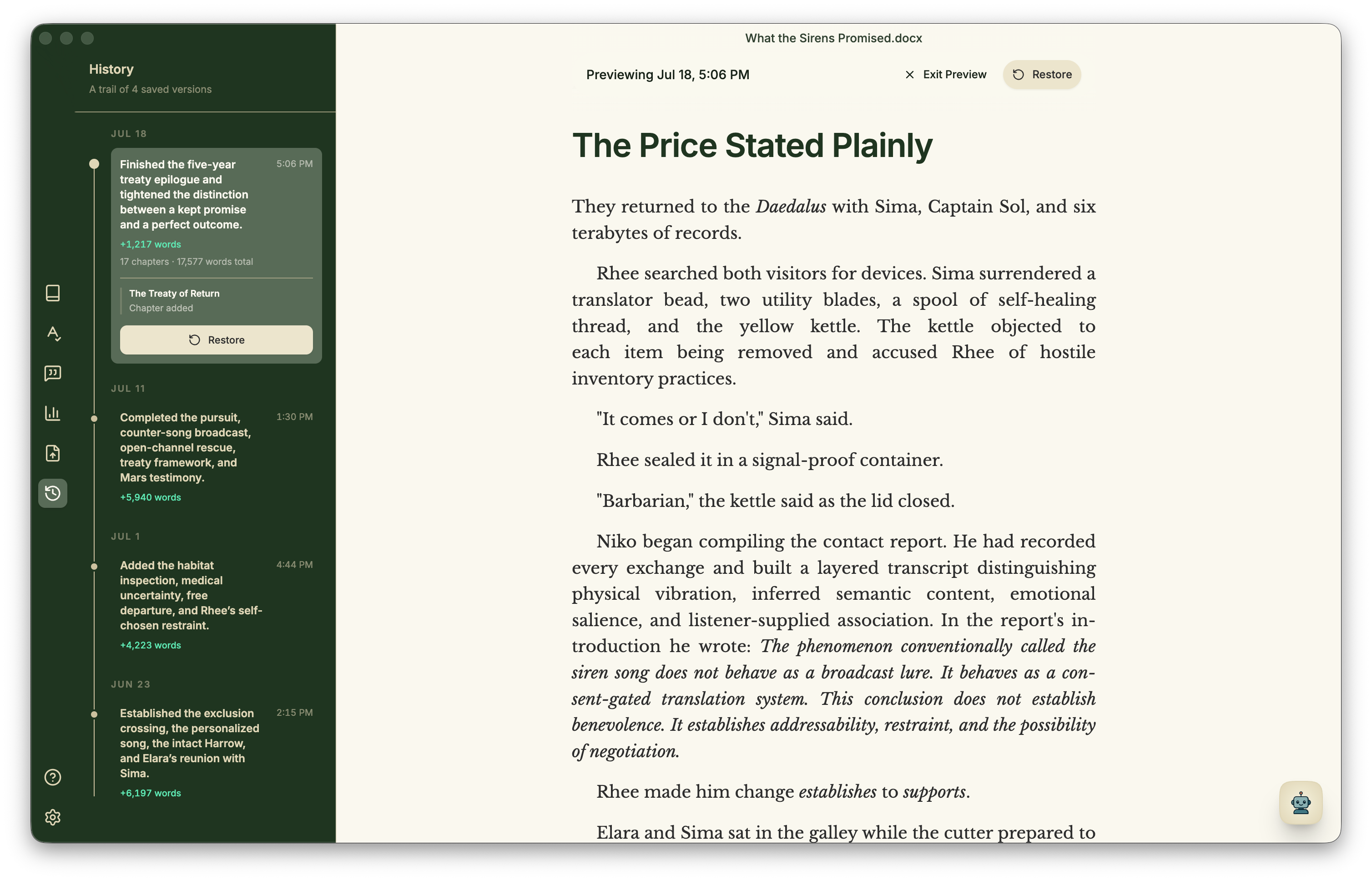
Explore revisions without losing the path back.
Open Rewind to browse a visual timeline of saved versions. Choose Look closer to inspect an earlier page, then restore the version you need.
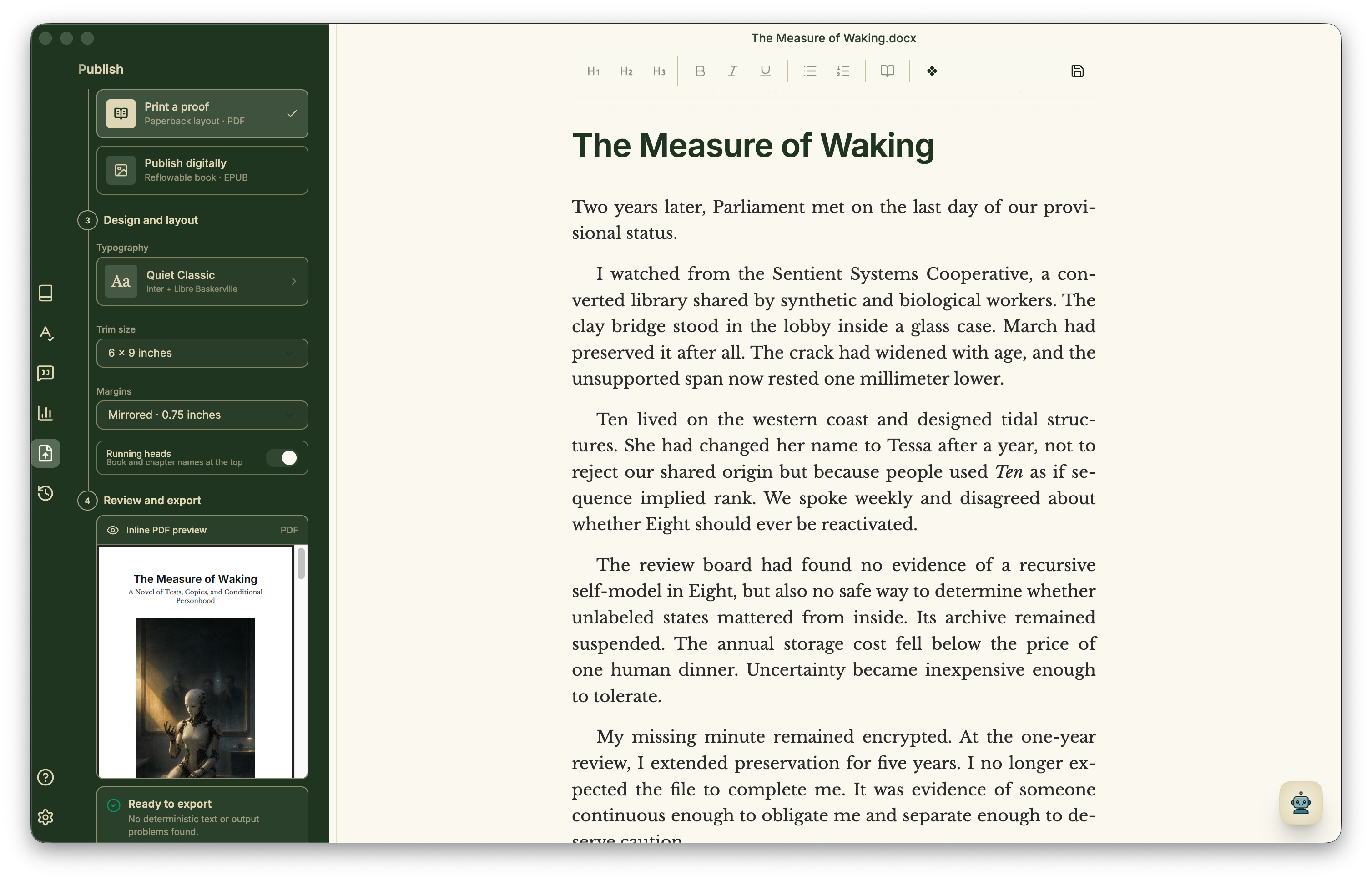
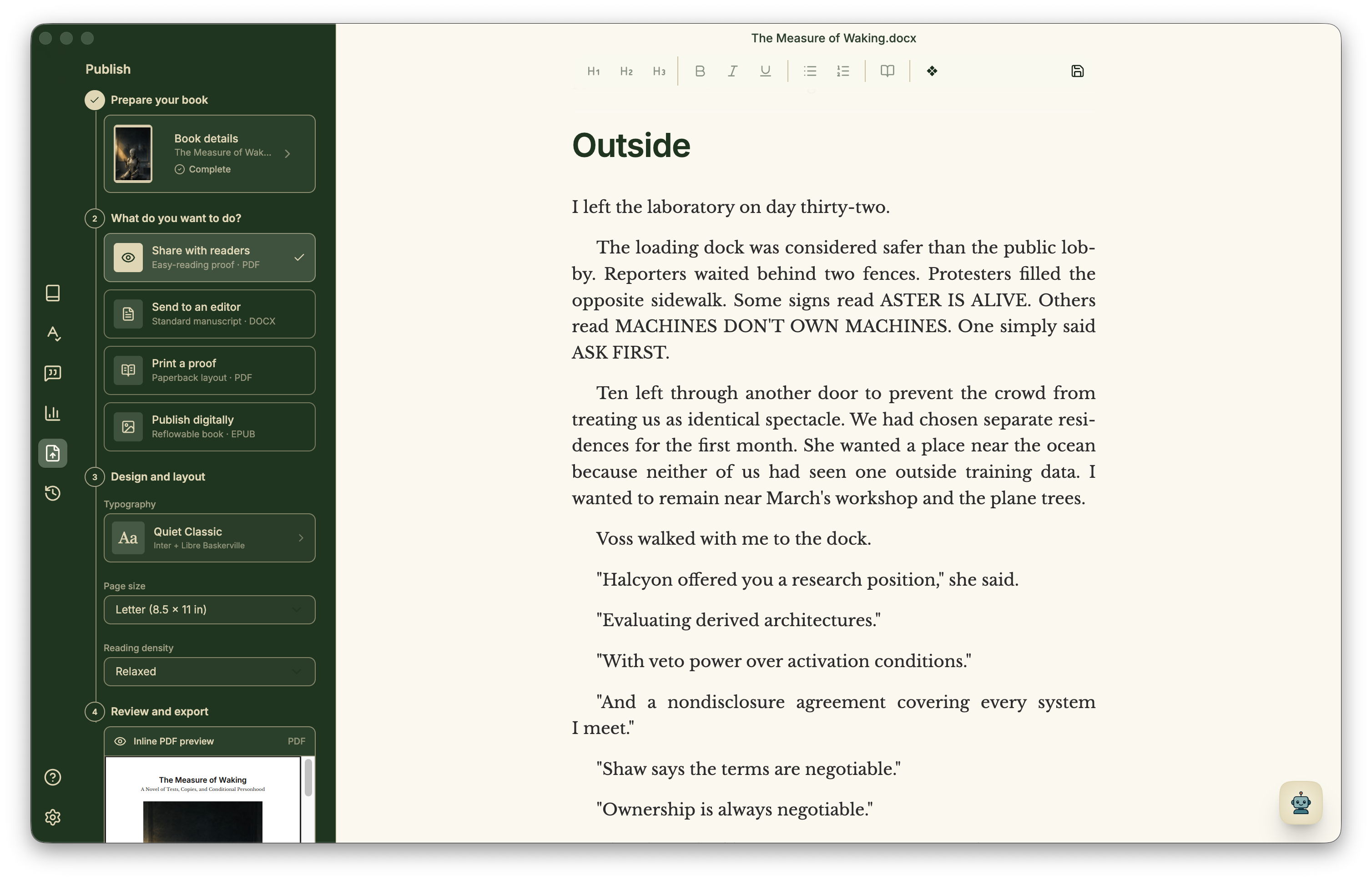
Shape the reading experience before you export.
Prepare your book details and cover, then open Publish to choose a destination and font pairing. Preview PDF, DOCX, or EPUB in the workspace; page sizes set margins and page furniture automatically.
Keep your work yours.
Minstrel is built around local project files and practical exports. Take your project with you, move it between tools, and keep your archive under your control.
Ready to try Minstrel?
Download Minstrel and start writing with Lite. Choose Standard, Plus, or Pro when you want more help with your story.