

Export your manuscript
Create a PDF, DOCX, or EPUB copy for reading, editing, or distribution.
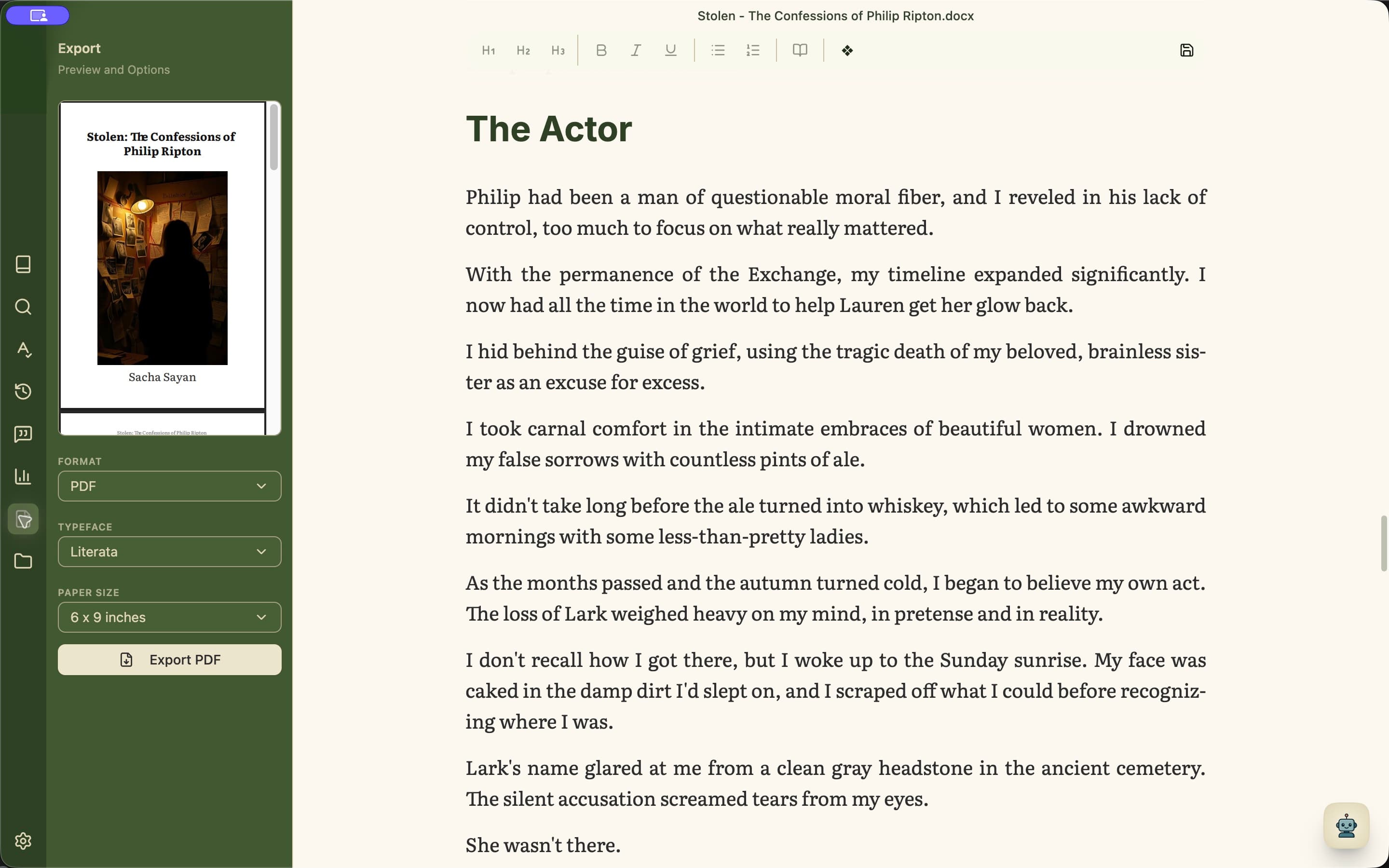
Create an export
- 1Open Export from the left rail.
- 2Choose PDF, DOCX, or EPUB.
- 3Choose the typeface and, for PDF, the paper size.
- 4Inspect the preview when it is available.
- 5Select the export button and choose where to save the new file.
Choose the format by destination
Use PDF when layout should stay fixed, DOCX when someone needs an editable word-processing file, and EPUB for reflowable reading on compatible devices and apps.