

Understand writing statistics
Find current, historical, readability, and dialogue measures where you use them.
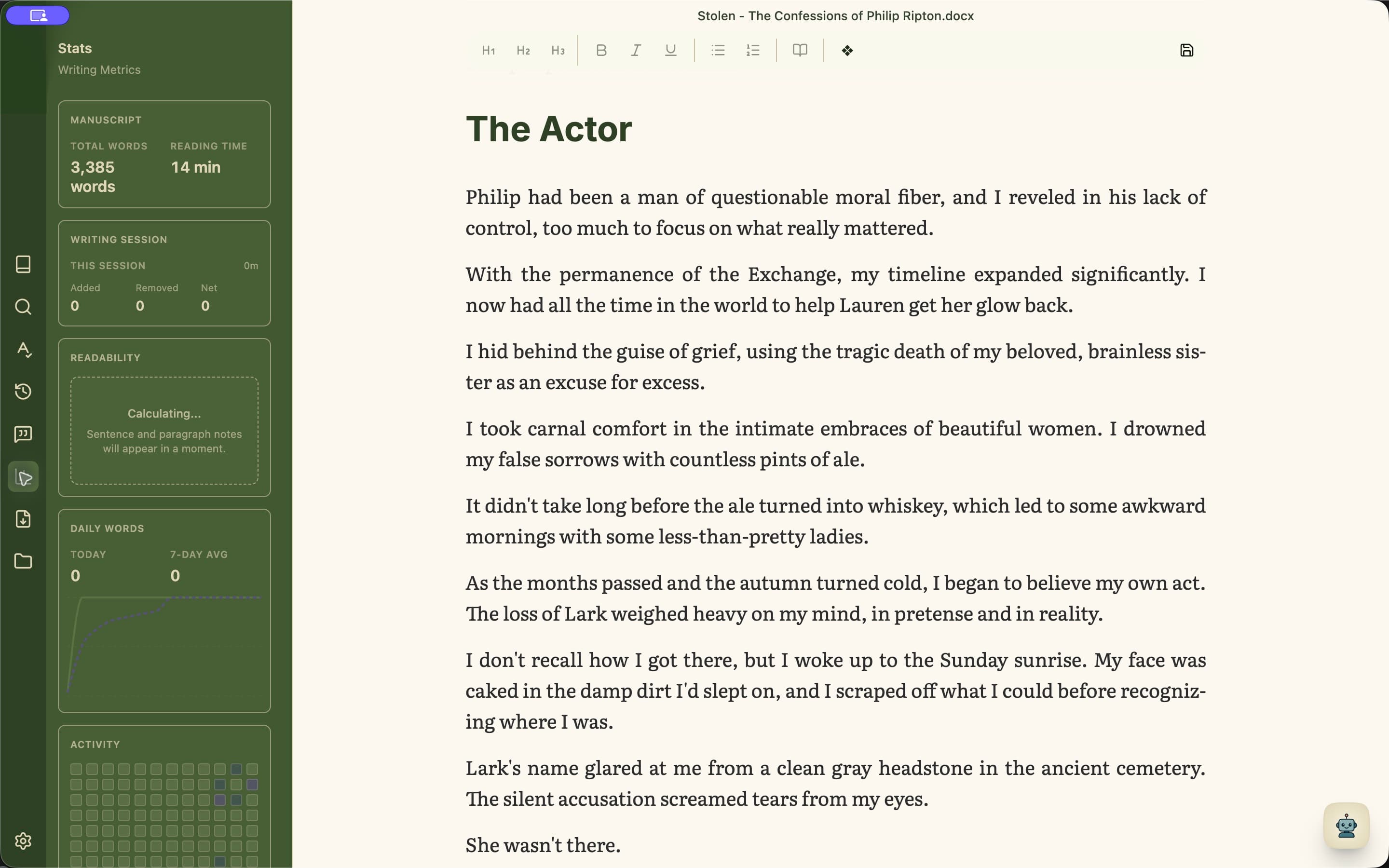
Know where each measure lives
Writing measures are placed beside the work they explain. With Standard, Plus, or Pro, Write shows project, chapter, and session cards when there is activity to display. Rewind adds daily words and writing days. Review includes readability and dialogue flow.
- 1Open Write and advance the card above Chapters to see total words and reading time, chapter balance, or session changes.
- 2Open Rewind to see daily word history and the week or month activity calendar.
- 3Open Review to find readability measures and dialogue flow among the relevant review lenses.
- 4Treat every measure as a signal to reread, not a target to obey.