

Preview and restore version history
Inspect saved changes and return the project to an earlier version.
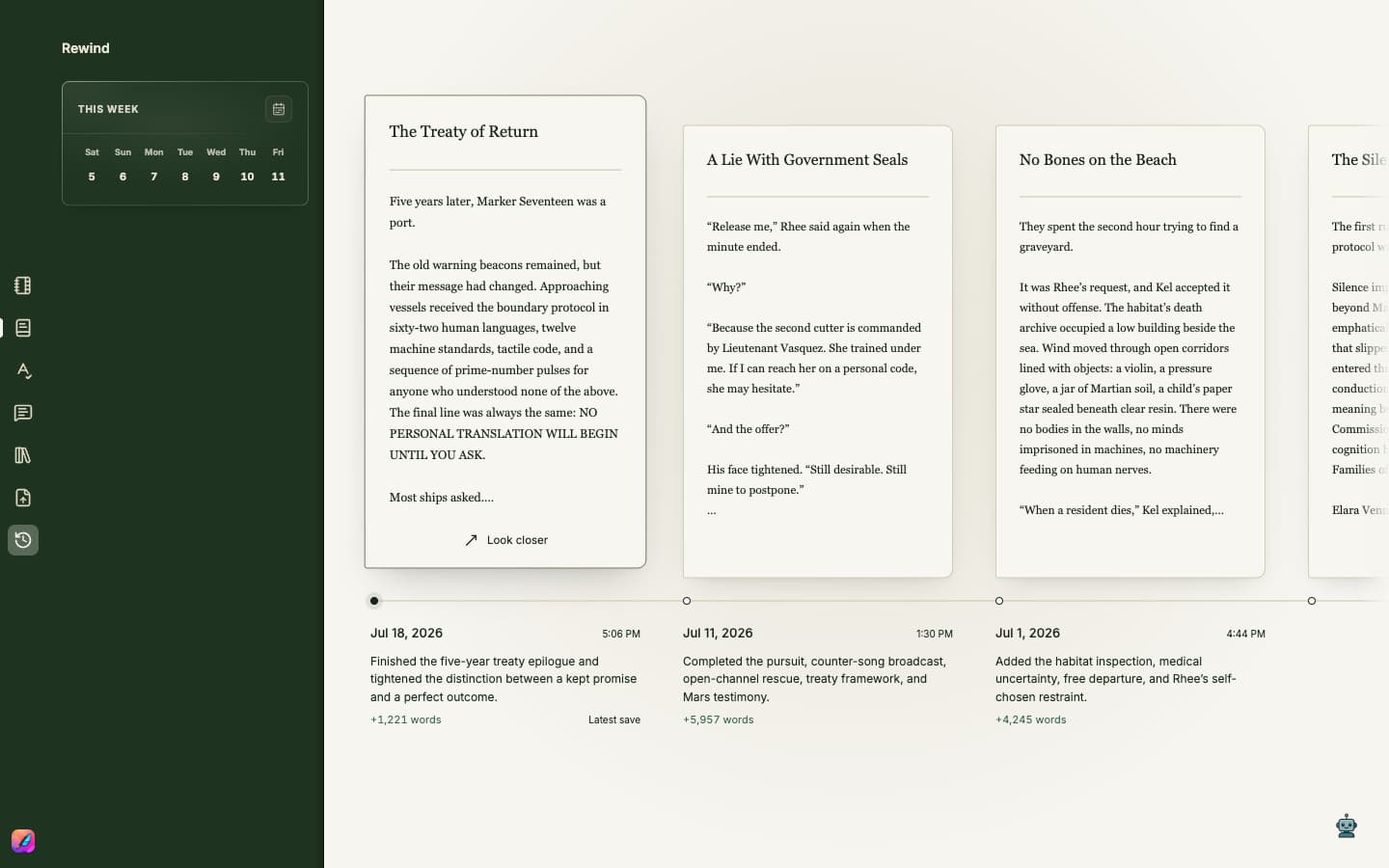
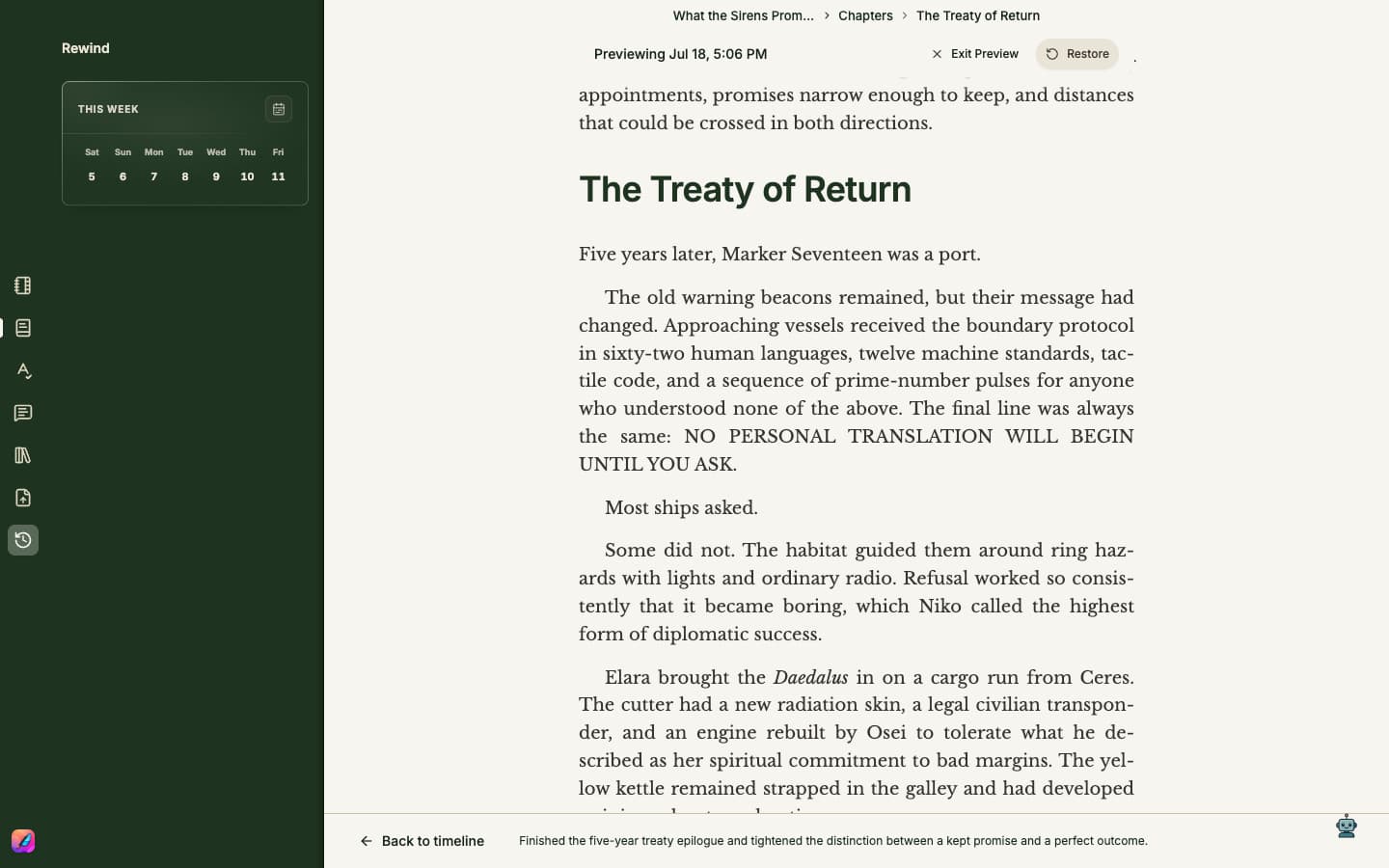
Inspect a saved version
- 1Open Rewind from the left rail.
- 2Browse the saved-version timeline in the main workspace and select a version to inspect it.
- 3Choose Look closer to inspect the saved page at a larger size. Use Back to timeline to return to the gallery.
- 4Read the version summary and word-count change to understand the revision before restoring it.
Restore carefully
Choose Restore only when you want the active project to return to that saved state. Save the current project first if you want its present state recorded in Rewind.