

Welcome to Minstrel
Find your way around the library, editor, and project tools.
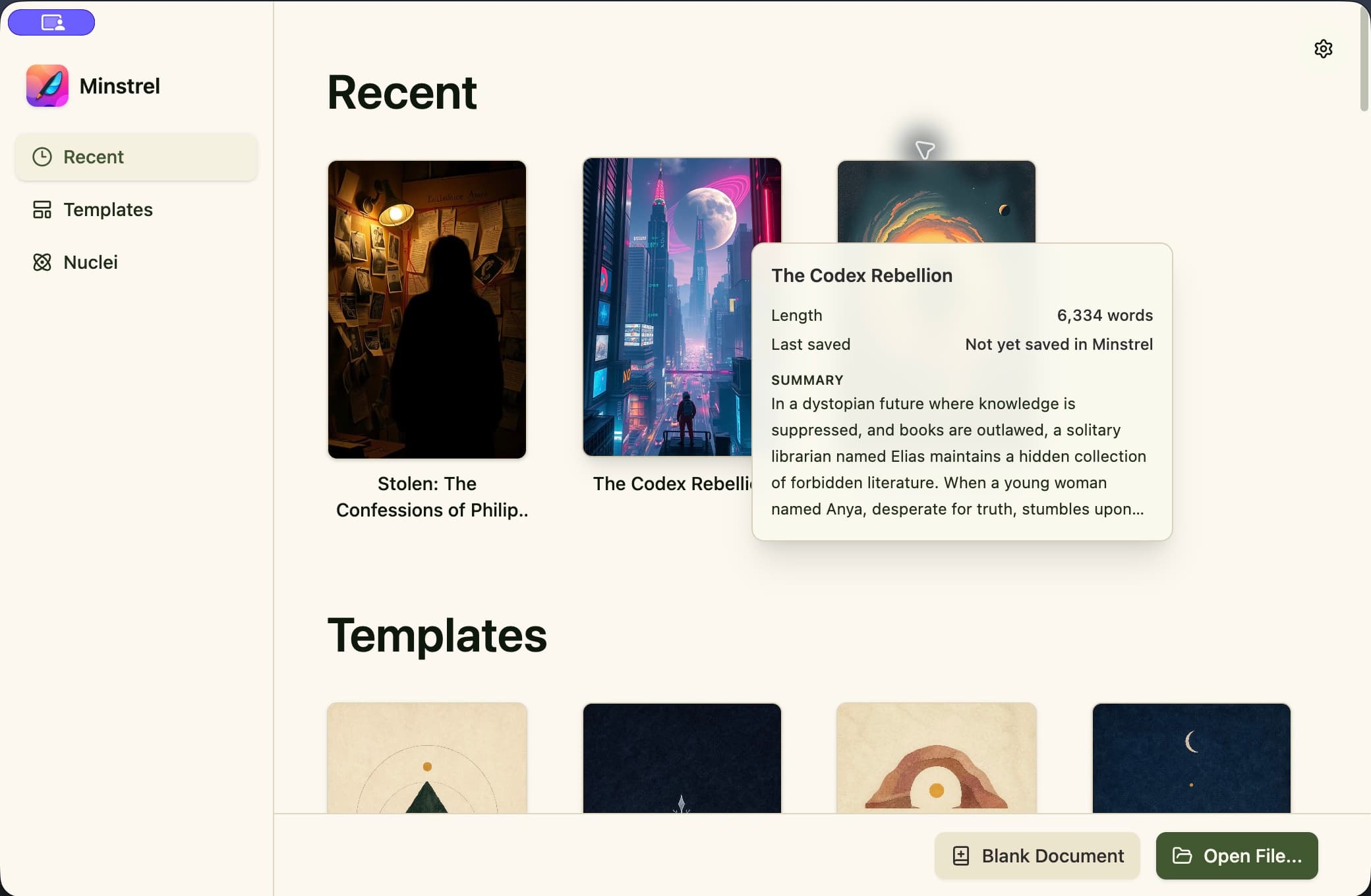
Start in the library
First-run setup finishes in the library. From there, recent projects and structural templates give you two useful starting points. You can also begin with a blank project or open work that already exists on your Mac.
- 1Choose Recent to return to a project you have already opened.
- 2Choose Templates to start with a planning scaffold in your project notes.
- 3Use Blank Project for a clean start, or Open File to select a Minstrel project or supported import.
Open the project tools
Inside a project, the left rail opens Plan, Write, Proofread, Review, Prepare, Publish, and Rewind. Search is built into Plan and Write, while writing measures appear alongside the work they describe.