

Start with a story template
Choose a proven structure and turn its beats into your own story.
Choose the structure that fits the story
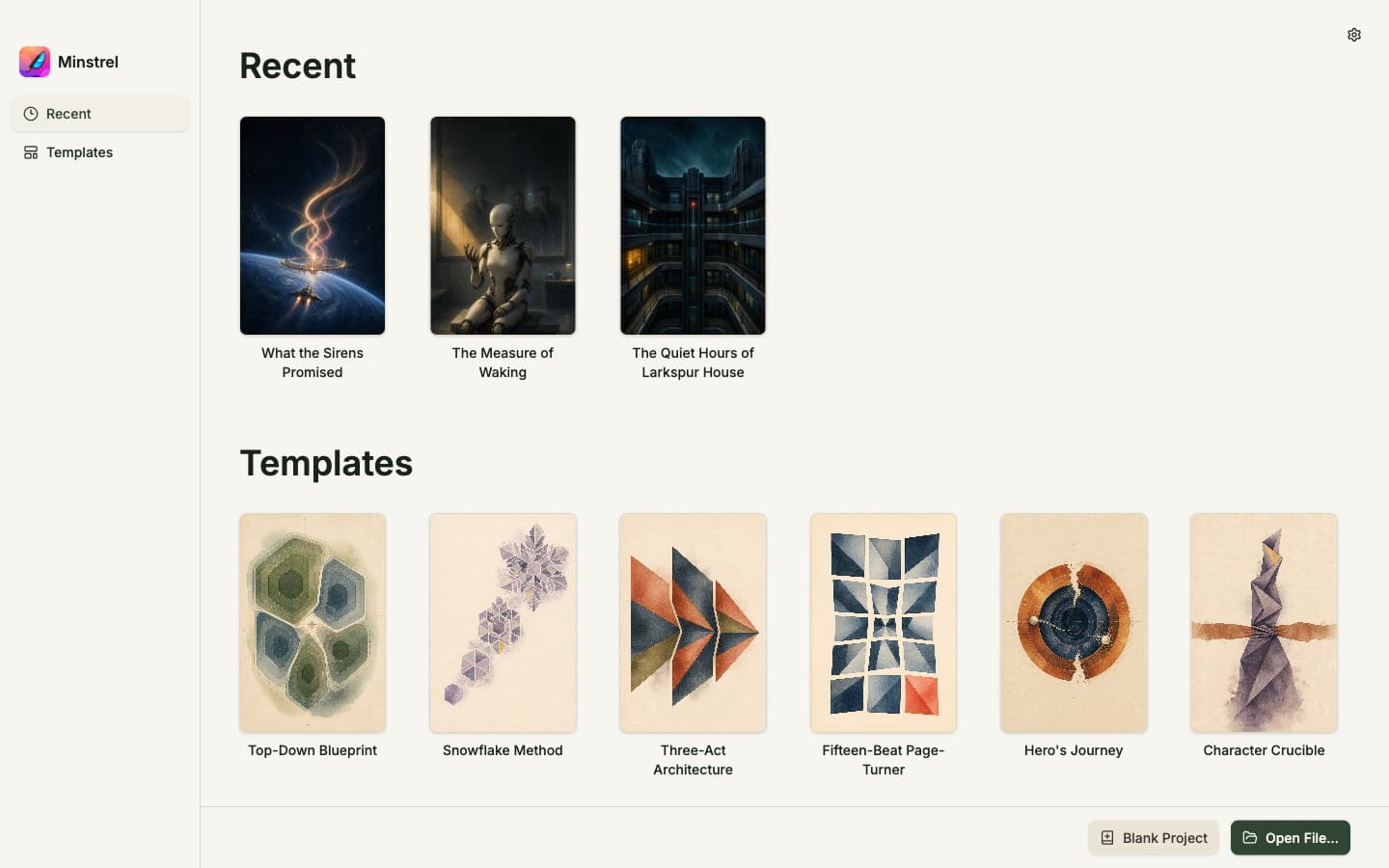
A template opens a clean manuscript with a structured outline note in Plan. The scaffold is planning material, not a set of manuscript chapters and not a rule the story must obey.
- 1Open Templates from the library.
- 2Compare structures such as Three-Act Architecture, Hero’s Journey, Snowflake Method, Mystery Clue Ladder, or Romance Emotional Spine.
- 3Select a template to open its outline note in Plan.
- 4Answer, rewrite, reorder, or remove the prompts that help you clarify the story.
- 5Begin drafting in the manuscript and add chapters from Write when you need them.
Make the template disappear into the draft
Keep the outline as a living project note while it is useful. Rename or delete the note when the draft has developed its own shape.